
How to Search Cases by Name
Head to the official Boulder-filtered Docket Search and pick your search type. You can look up a person, a business, or an attorney. Remember what it returns: scheduled proceedings, not every matching case. The form always demands a date range, plus at least one more filter. Common names can flood you with result cards. So match them carefully. Check the case number, court type, courthouse, party display, and setting. Do not trust any one card until those all line up.
- Select Boulder County. Add the Boulder or Longmont courthouse and County, District, or Both when known.
- Choose Individual and enter first and last name, or choose Business and enter the entity name. Attorney searches take a name or bar number.
- Pick the date window and add another filter. Court type, division, case class, or courthouse can reduce false matches.
- Review each result for the current setting. The card does not open the case file or the full Register of Action.
The name-search fields themselves are the most useful part of the form. The official interface asks for no login and charges nothing.
| Field Label | Type | Required | Notes |
|---|---|---|---|
| Party search for | Radio | Conditional | Choose Individual or Business. |
| First / Last Name | Text | Conditional | Used for an individual search. |
| Business Name | Text | Conditional | Used instead of person fields for an entity. |
| County | Dropdown | Optional | Boulder is selected by the county-filtered link. |
| Date Range | Dropdown | Date required | Today through six months, or a specific date. |
| Court Type | Dropdown | Optional | Both, County, or District. |
Boulder Case Lookup Needs Filters
Dates alone will not cut it. The portal insists on at least one more filter. Plenty of people set a week, hit Find Dockets, and wonder why nothing happens without a county, courthouse, court type, division, case component, party, or attorney value attached.
For a Boulder County case lookup, lock in Boulder County first. Then add whatever fact you know best. The courthouse filter splits the Boulder and Longmont combined-court sites, and Court Type splits County Court from District Court. If a notice names a division, use it. An attorney name or a one-to-six-digit bar number works too.
On a phone, the stacked selectors get cramped. A wider screen lets you audit your choices before submitting. When a search seems haunted by an old filter, Clear Results wipes the slate.
How to Search by Case Number
A Colorado state trial-court number blends three things: filing year, case class, and a sequence. Picture a Boulder County case like 2026CR123. Type the four-digit year, pick the class, and enter the one-to-six-digit sequence in the portal's separate boxes. Skip the hyphens unless the interface shows them itself.
A full number beats a common name for precision. The class tells you the procedural category. CR means District Court criminal and CV means District Court civil, while C is County Court civil, M is misdemeanor, T is traffic, S is small claims, DR is domestic relations, and PR is probate. CW, JD, JV, and R round out the official choices. Restricted juvenile classes may show no public detail.
Missing the filing year? Try a likely date window with a name and court type. Older files have no single published start date across all classes. If repeated calendar searches fail, Records/Research can help route a request.
Boulder Case Lookup Court Choices
Boulder County state cases land in either District Court or County Court. The Boulder or Longmont combined courts host hearings. Felony, domestic, probate, major civil, juvenile, and mental-health files all belong to District Court. County Court handles the rest. It takes misdemeanor, traffic, and civil matters through the state limit, plus small claims, protection orders, and preliminary felony files.
An ordinance violation or city-issued ticket lives in the issuing municipal court instead. So the state docket can come back empty. The city clerk may still hold a live case. Reach Boulder, Longmont, Lafayette, Erie, or Louisville Municipal Court as fits the ticket. Erie crosses county lines. Trust the court named on the citation or notice rather than the map.
For District and County Court files, one clerk is the authoritative source. That is the Clerk of Court, Boulder County Combined Court. The elected Boulder County Clerk & Recorder keeps other county records, not judicial case dockets.
What a Case Search Shows
A free Boulder County case search hands you a setting card. It identifies a proceeding and its current calendar details. Don't expect more. The result is not clickable into filings or document images, so it isn't a full case detail page.
| Case Number | The year, class, and sequence, such as 2026CV123. |
|---|---|
| Party Display | The person or business name shown for the scheduled proceeding, not always the full caption. |
| Date and Time | The current scheduled day and start time. |
| Hearing Type | The event label, such as Hearing, Jury Trial, or Status Conference. |
| Location | The courthouse or other court-authorized location. |
| Appearance | IN PERSON, VIRTUAL, or blank; blank is not remote authorization. |
| Courtroom | The assigned room for the scheduled event. |
| Duration | The estimated length assigned to the event. |
Plenty stays off the card. The chronological ROA, filed pleadings, full charges or claims, financial details, document links, and disposition history are all missing. Export and Printable Version can save your result list. Twenty results fill each page.
Boulder Case Search Class Codes
Pick the right class and an empty search can turn useful. The portal offers twelve choices. Each code narrows the case series, not the type of hearing scheduled inside it.
- CR, M, and T
- District criminal, County misdemeanor, and traffic classes.
- CV, C, and S
- District civil, County civil, and small-claims classes.
- DR and PR
- Domestic-relations and probate classes.
- JV and JD
- Juvenile categories for which public access is restricted.
- CW and R
- Additional portal choices that include water and the R case series.
A class code tells you nothing about the result. CR, for instance, marks the case series, while a separate setting label might read Jury Trial, Hearing, or Disposition Hearing. For the chronological account, you need the ROA.
County vs Statewide Case Search
Colorado has no single free official name-to-case portal covering every event and pleading. The Judicial Branch Docket Search spans the state and filters down to Boulder County. Its public result is only a calendar. The official local case file sits with the Combined Court clerk. State-listed commercial services can supply real-time ROA data across listed case classes. The state cautions that vendor information is not the official court record. It carries no filed-document copies.
| Access Channel | What It Provides | Best Use |
|---|---|---|
| Judicial Branch Docket Search | Free scheduled-hearing cards | Finding a public court date or docket list |
| State-listed ROA service | Real-time register data; terms and cost vary | Name or number research across covered classes |
| Combined Court clerk | Official ROA and filed documents | Authoritative or certified case material |
| Municipal clerk | City ordinance and city-ticket case records | A matter issued by a city |
Colorado Courts E-Filing is the filing system. It is not the public docket. Don't confuse a filing account with public case access.
Boulder Case Lookup Returns Nothing
A blank result screen is not the end of the story. Start by widening the date range on the Boulder County court docket search. Then confirm you picked the right court type. County and District both matter, so try both the Boulder and Longmont sites. Check the year, class, and sequence in the case number too. Party type trips people up often. Individual and Business rely on different fields.
Municipal cases live somewhere else entirely. The city clerk keeps those files, not the Combined Court clerk. Also remember that sealed, suppressed, juvenile, adoption, and other protected matters may simply be absent from a Boulder County docket search. Or they may appear with far less detail than a normal public civil case.
For a state court case, call Records/Research at 720-664-1468 or write to 20recordsrequest@judicial.state.co.us. The Boulder clerk counter sits at 1777 Sixth Street. The Longmont counter is at 1035 Kimbark Street. Mail written requests to P.O. Box 4249, Boulder, CO 80306. Nothing official promises that a courthouse terminal shows more than the web court records search. Call ahead before driving over just for that.
Boulder Case Search to Record
Stop running the calendar search when what you truly need is a document. That means an ROA, complaint, order, judgment, or certified copy. Use the official Record/Document Request Form. Name the court, case number, party, and document as exactly as you can. A request like this reaches the clerk-held case record. A calendar card never does.
The Judicial Branch Access Guide sorts out case records, administrative records, and contracted data access. Its access page spells out who may obtain what.
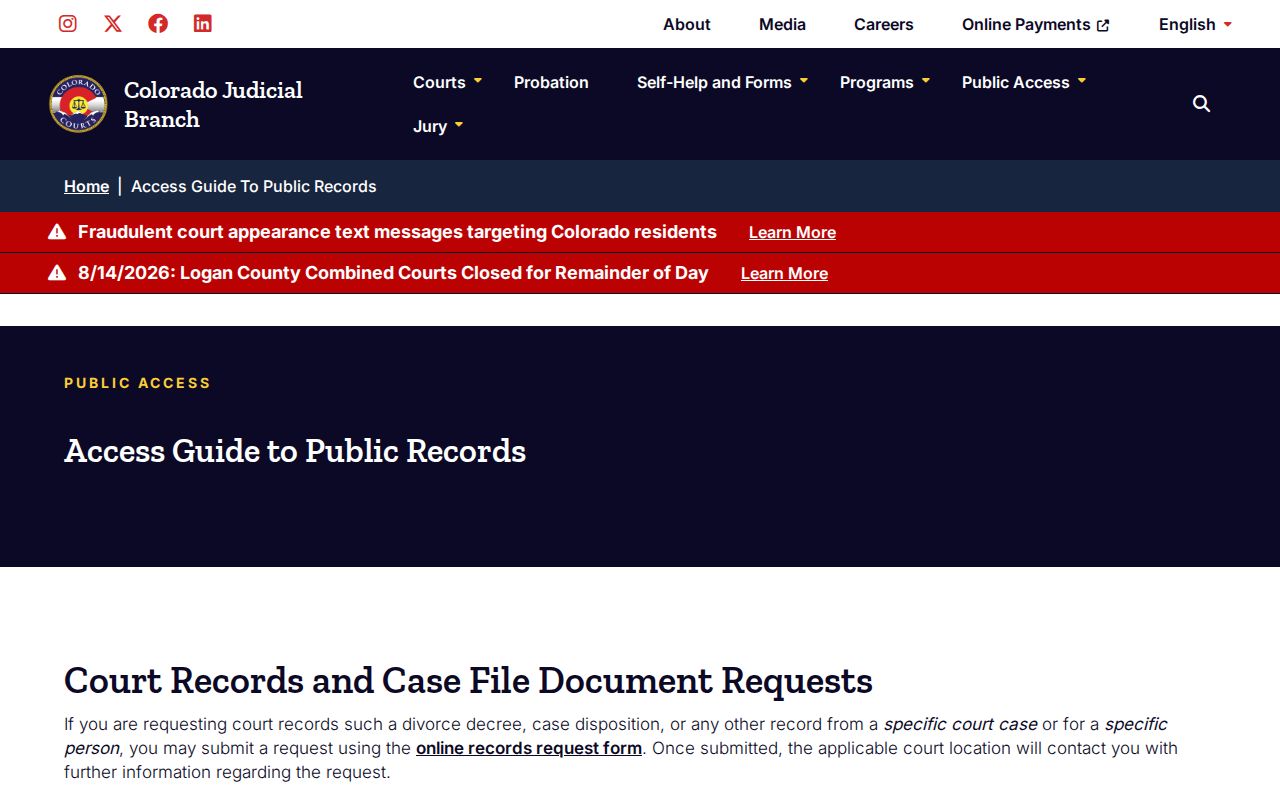
The lesson is a simple handoff. A quick setting search answers when a hearing happens; the court clerk answers when you need the official record itself.
Two practical notes round this out. Older off-site files can carry real retrieval costs, and any consequential result from a vendor deserves confirmation with the clerk that originated the case.
Restricted Cases and Access Rules
Not every Boulder County court record is open. Juvenile cases do not show the same party and detail visibility as ordinary civil matters. Sealed or suppressed cases may drop out of a name search altogether. Probate is not fully secret. But protected data or a particular document can require identification and special handling. Adoption records stay confidential. So do shielded portions of domestic cases.
An empty search result does not prove expungement or sealing either. The clerk may disclose only what statute and the court's order allow. Authorized users may have to show government photo identification. Copies released to the public should mask protected identifiers. That includes Social Security numbers, financial account data, and information about minors.
Access rule: Chief Justice Directive 05-01 governs public access to Colorado court records, including remote access and exclusions.
The Judicial Branch's sealing resource points each person to the right process for their case type. Eligibility can never be read off the public search results. A record may stay visible until an order is entered and processed, since sealing restricts public access rather than erasing every governmental copy of the file.